An automatic attendance system that runs itself
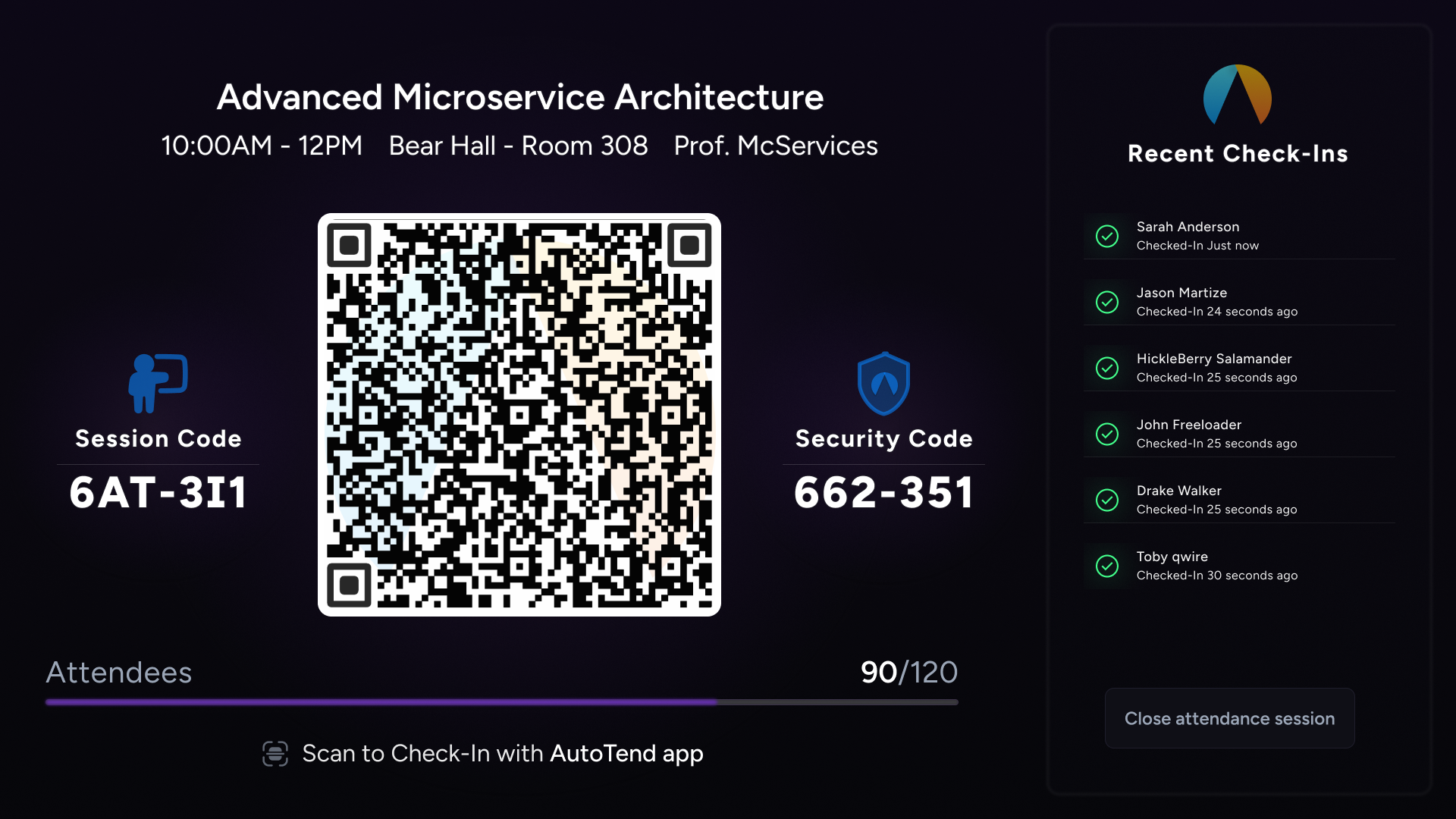
Start the session, project the rotating QR, and watch the roster fill in live. Autotend handles the roll so you can teach.
Zero-touch roll call
Each session auto-generates a rotating QR. Students scan once; their check-in is recorded with a timestamp.
Live attendee view
The instructor dashboard updates as each check-in lands — no more stopping class to name-call.
Clean, exportable logs
Download per-session or per-term attendance as CSV. Built to drop straight into a gradebook.
Works offline on the student side
Students check in without a signal — the app queues the scan and syncs the moment it reconnects.
Built for anyone taking roll on repeat
Classroom teachers, training leads, conference organizers, and anyone who's tired of spreadsheets or paper sign-ins. Set up a session in under a minute.
Frequently asked questions
How does an automatic attendance system actually work?+
You start a session from the app or the web dashboard. Autotend projects a QR that rotates every few seconds. Students scan the QR with their phone; the check-in is logged instantly with a timestamp, device fingerprint, and (optionally) GPS.
Can students fake a check-in by sharing a screenshot of the QR?+
No. The QR rotates on a short interval, so a screenshot becomes invalid within seconds. You can also enable GPS verification to ensure the scanning phone is actually in the room.
Does it integrate with our LMS?+
Attendance exports to CSV by default and drops into any LMS gradebook that accepts CSV. Direct LMS integrations are on the roadmap.
Do I need to install anything on the classroom computer?+
No. The instructor view runs in a browser — just open the session page on any laptop and project it.